
What is ERP server access?
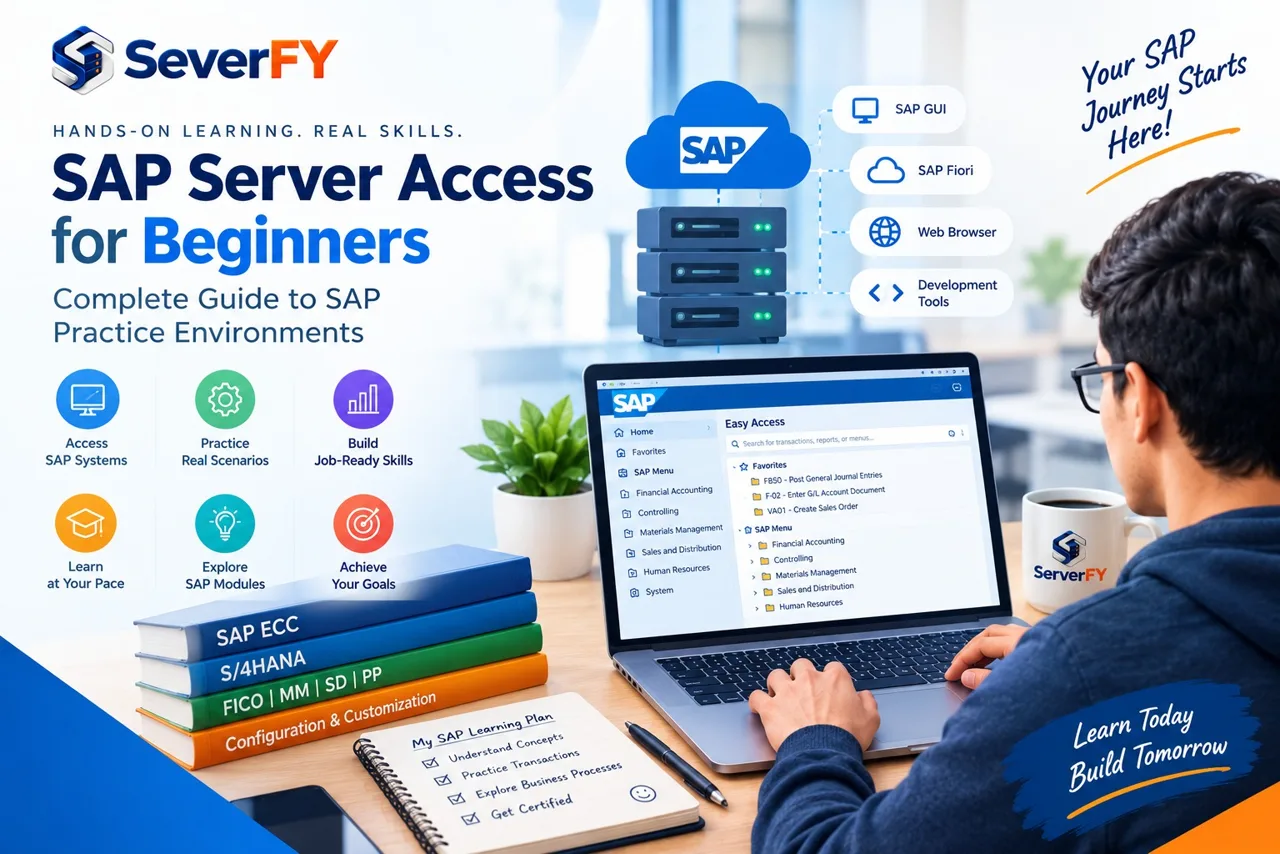
ERP server access is the ability to connect to an ERP system hosted on a server or cloud infrastructure and use that environment for learning, development, testing, configuration, or professional practice. Depending on the environment, users may access ERP through tools such as ERP client, ERP Web UI, a web browser, or development tools.
For beginners, the simplest way to understand it is: you receive authorized credentials, connect to an ERP environment, log in, and practice ERP processes and transactions. A practice environment provides a configured ERP system without requiring the learner to build and maintain the complete infrastructure themselves.
Why do you need an ERP practice server?
You can learn ERP theory without server access. However, theory alone does not provide the same experience as actually working inside an ERP system. Reading about a sales order is different from creating one, checking its status, navigating related documents, and understanding how the transaction affects the business process.
Learning teaches you what ERP does. Hands-on practice teaches you how ERP works.
- ERP navigation and business processes
- Transactions and master data
- Configuration concepts
- User roles and authorizations
- Integration between modules
- ERP client and Web UI interfaces
- Error handling, testing and real-world workflows
Can you learn ERP without server access?
Yes, you can learn ERP fundamentals — concepts, module basics, business processes, videos, documentation, courses and certification theory — without a practice server. But hands-on access becomes important when you want to develop practical ERP skills.
For example, an ERP FICO learner may study the procure-to-pay process, but practical access allows them to explore the relevant transactions and understand how financial postings move through the system.
Who needs ERP server access?
ERP server access is not limited to experienced consultants. Students use it to go beyond classroom training and prepare for interviews and certification. Beginners and career switchers use it to get comfortable executing transactions instead of only watching demonstrations.
Consultants use practice environments for configuration, testing, new modules, demos and proof-of-concept work. ERP Development developers practice programming, reports, enhancements and debugging. ERP Administration professionals need administration, user management, monitoring and transport concepts. Trainers use a controlled environment for classroom demonstrations and exercises.
- ERP students preparing for interviews and certification
- Beginners and career switchers
- Functional consultants practising configuration and testing
- ERP Development developers needing development access
- ERP Administration and security learners needing administrative access
- Trainers and institutes running batches
What ERP modules can you practice?
The module you need depends on your career path and learning objective. Availability of a particular module or function depends on the ERP environment and the access provided, so always confirm before you subscribe.
- ERP FICO — financial accounting, controlling, financial processes
- ERP MM — procurement, purchasing, inventory management
- ERP SD — sales, orders, delivery, billing
- ERP PP, QM, PM, PS — production, quality, maintenance, projects
- ERP HCM, EWM, WM — HR, extended warehouse and warehouse management
- ERP Development, ERP Administration, Security — development, administration, roles and authorizations
- In-Memory ERP, BW/4HANA, Modern ERP — database, analytics and modern ERP processes
Classic ERP vs Modern ERP: which should you practice?
ERP Central Component (Classic ERP) is the traditional ERP ERP platform still maintained by many organizations, so learning it stays relevant if your work or training focuses on existing landscapes.
Modern ERP is ERP's modern ERP family built on the In-Memory ERP in-memory database, with a simplified data model and the ERP Web UI user experience. If your goal is to prepare for modern ERP projects, Modern ERP should generally be part of your roadmap — but the right environment depends on your module, job requirements and course.
- ERP generation: traditional ERP ERP vs modern ERP ERP
- Database: multiple supported databases vs In-Memory ERP
- User experience: primarily ERP client vs ERP client and/or Web UI
- Learning focus: existing landscapes vs modern implementations
ERP client vs ERP Web UI
ERP client is the traditional interface used to access many ERP systems and remains important for professionals working with existing landscapes. ERP Web UI provides a modern, role-based experience, with the Web UI Launchpad acting as the central entry point to applications.
If your career path involves Modern ERP, learning both the relevant ERP client transactions and the Web UI apps gives you broader practical exposure. The exact interface available depends on the ERP system you use.
Types of ERP practice environments
Not every ERP practice server works the same way. A shared server is used by multiple learners — affordable and fine for transaction practice, though resources are shared and administrative access may be limited. A dedicated server allocates resources to you, giving more control and customization at a higher cost.
Cloud environments provide remote access without maintaining physical infrastructure. A sandbox is a more open environment intended for experimentation and testing, while a practice system is usually configured around specific courses and exercises.
- Shared practice server — affordable, good for transaction practice
- Dedicated server — control, customization, development and testing
- Cloud practice environment — flexible remote access
- Sandbox — open experimentation and building use cases
What should you check before choosing an ERP practice server?
Choosing an ERP server based only on price can lead to problems later. Confirm the specifics before you subscribe, because a cheap server that lacks your module, your access level or enough resources costs you far more in lost learning time.
- ERP version — Classic ERP, Modern ERP, Modern ERP Cloud or another release
- Required module — confirm the functionality you need is actually available
- Access method — ERP client, Web UI, browser, remote desktop or VPN
- Server resources — RAM, CPU, storage, OS, database, connectivity
- User access — number of users, permissions, admin and developer access
- Availability — uptime, maintenance windows, support hours, backups
- Reset options — system, user or database reset, snapshot and restore
- Technical support — how to raise requests, response times, inclusions
- Pricing — setup fees, duration, extra users, renewal and upgrade costs
How to get ERP server access for practice
Getting started is straightforward once you know what you need. Define your learning goal, choose the environment, confirm the technical requirements, receive your credentials and start practising.
Once connected, do not randomly click through ERP. Practice complete business scenarios: Procure-to-Pay (purchase requisition, purchase order, goods receipt, invoice, payment) or Order-to-Cash (sales order, delivery, goods issue, billing, accounting). That is how you understand how transactions connect.
- Step 1 — define your learning goal (FICO, MM, SD, ERP Development, ERP Administration, Modern ERP, Web UI)
- Step 2 — choose the environment: Classic ERP or Modern ERP, shared or dedicated, sandbox or development
- Step 3 — check technical requirements and access method
- Step 4 — get your credentials: host, system details, user ID, password, client
- Step 5 — connect and practice end-to-end business processes
ERP server access for students and consultants
For students, the best environment is not the most powerful server. Focus on the required module, ease of access, availability, learning resources, sufficient resources, support and an affordable access duration. If you are preparing for certification, combine theory with hands-on exercises.
Consultants usually need more: configuration, integration, testing, functional scenarios, troubleshooting, user roles, reporting and end-to-end workflows. Confirm the level of access available before selecting a server.
How much does ERP server access cost?
There is no single ERP server access cost. It varies with the ERP version, server specifications, RAM and CPU, storage, database, number of users, shared or dedicated infrastructure, access duration, support, and customization or development requirements.
Comparing providers only by monthly price can be misleading. Compare what you actually receive for the price.
Common ERP server access mistakes
Beginners often make a few avoidable mistakes. Most of them come from buying first and checking later.
- Choosing only on price — the cheapest server may lack resources or access
- Not checking the ERP version you will actually receive
- Not confirming the module and functionality you need
- Ignoring administrative or development access limitations
- Not asking how technical support works
- Picking a basic transaction server for advanced ERP Development, ERP Administration or In-Memory ERP work
- Practising without a structured learning plan
Get ERP server access with ServerFY
ServerFY provides ERP server access and infrastructure for learners, consultants, developers, professionals and organizations — ERP practice and training environments, Modern ERP and Classic ERP, FICO, MM, SD, ERP Development, ERP Administration and In-Memory ERP, plus development, testing and dedicated landscapes.
Tell our team which ERP module you need, which ERP version you want, how many users need access, whether you need shared or dedicated access, and how long you need the environment. We will help identify a suitable environment for your requirements.
Why hands-on ERP practice matters
ERP is a practical enterprise platform. You can memorize transaction codes, watch tutorials and read documentation, but practical experience helps you understand how everything connects — navigation, troubleshooting, business processes, configuration, integration and real ERP workflows.
Learn ERP. Practice ERP. Build real hands-on confidence with ServerFY.
Key takeaways
- ERP server access turns ERP learning from theory into hands-on practice
- Check the ERP version, modules, access method, resources, permissions, availability and support before you buy
- Modern ERP should be part of a modern ERP roadmap; Classic ERP still matters for existing landscapes
- Practice complete business processes, not individual transactions
Questions we get about this
What is ERP server access?
ERP server access allows an authorized user to connect to an ERP system hosted on server or cloud infrastructure and use it for learning, development, testing, configuration, or other permitted activities.
Do beginners need an ERP practice server?
Beginners can start learning ERP without server access, but hands-on access becomes highly valuable when they want to practice transactions, business processes, configuration, or technical activities.
Where can I get an ERP practice server?
You can obtain ERP practice environments through ERP's own learning ecosystem or from providers that offer hosted ERP environments. The appropriate option depends on your ERP version, module, access requirements, and learning objectives.
Can students get ERP server access?
Yes. Students can use suitable ERP practice environments to develop hands-on skills, practice transactions, and prepare for ERP-related interviews or certifications.
Can I practice Modern ERP online?
Yes, depending on the environment. Modern ERP environments can be accessed through supported interfaces such as ERP Web UI and, depending on the edition and scenario, ERP client.
Can I practice ERP FICO on a practice server?
Yes, provided the environment includes the required ERP Finance functionality and appropriate user access.
Can I practice ERP MM and SD?
Yes. If the selected ERP environment contains the required functionality, you can practice procurement, inventory, sales, delivery, billing, and related business processes.
What is the difference between an ERP practice server and a sandbox?
A practice system is generally configured around specific learning exercises or scenarios, while a sandbox is a more open environment intended for experimentation, testing, and building use cases.
Should I choose Classic ERP or Modern ERP?
It depends on your career requirements. Classic ERP can still be relevant for existing ERP landscapes, while Modern ERP is important for learning modern ERP ERP environments. If you are starting a new ERP career, understanding Modern ERP should generally be part of your learning roadmap.
What should I check before buying ERP server access?
Check the ERP version, modules, server resources, access method, user permissions, availability, support, pricing, and whether development or administrative access is included.
How long do I need ERP server access?
That depends on your learning objective. A short-term environment may be sufficient for basic training, while consultants, developers, and professionals may need longer access for projects, testing, or advanced practice.
Is ERP server access enough to become an ERP consultant?
No. Server access provides hands-on experience, but becoming an ERP consultant also requires knowledge of business processes, ERP functionality, configuration, implementation methodology, problem-solving, and real-world project experience.
Still not sure which ERP environment you need?
Tell us your ERP module and experience level. We will set up a free 24-hour demo so you can try it first.